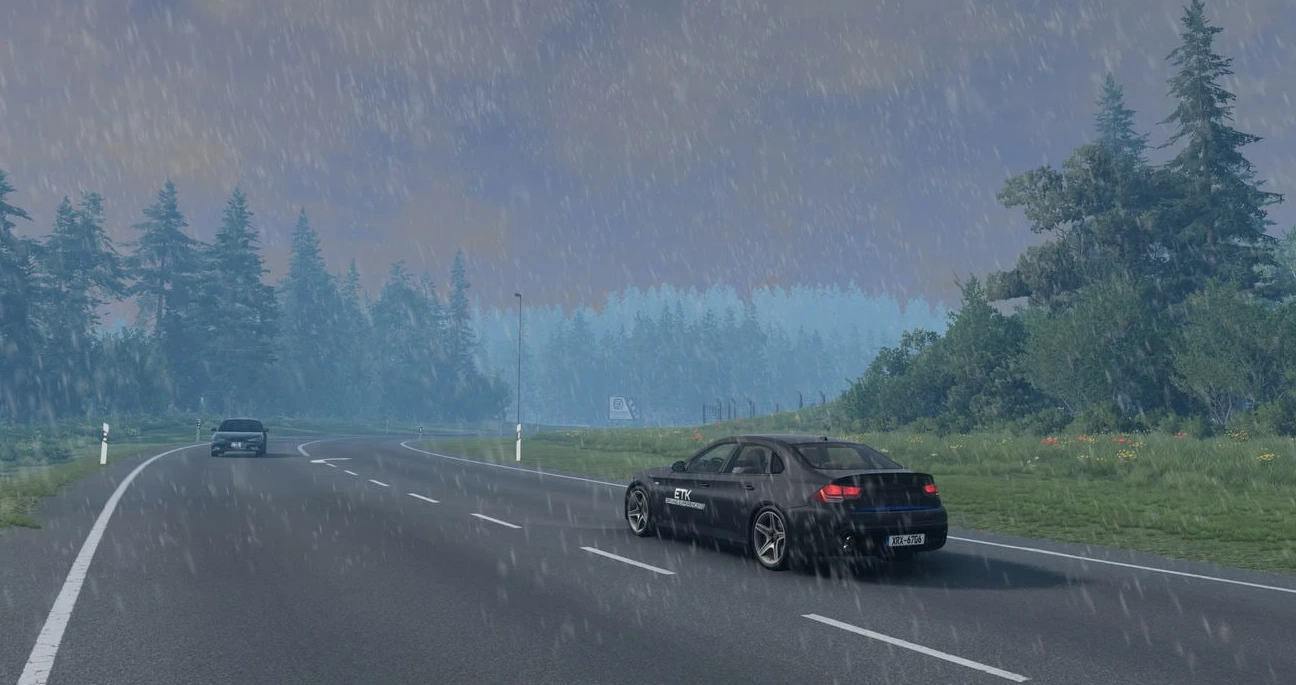
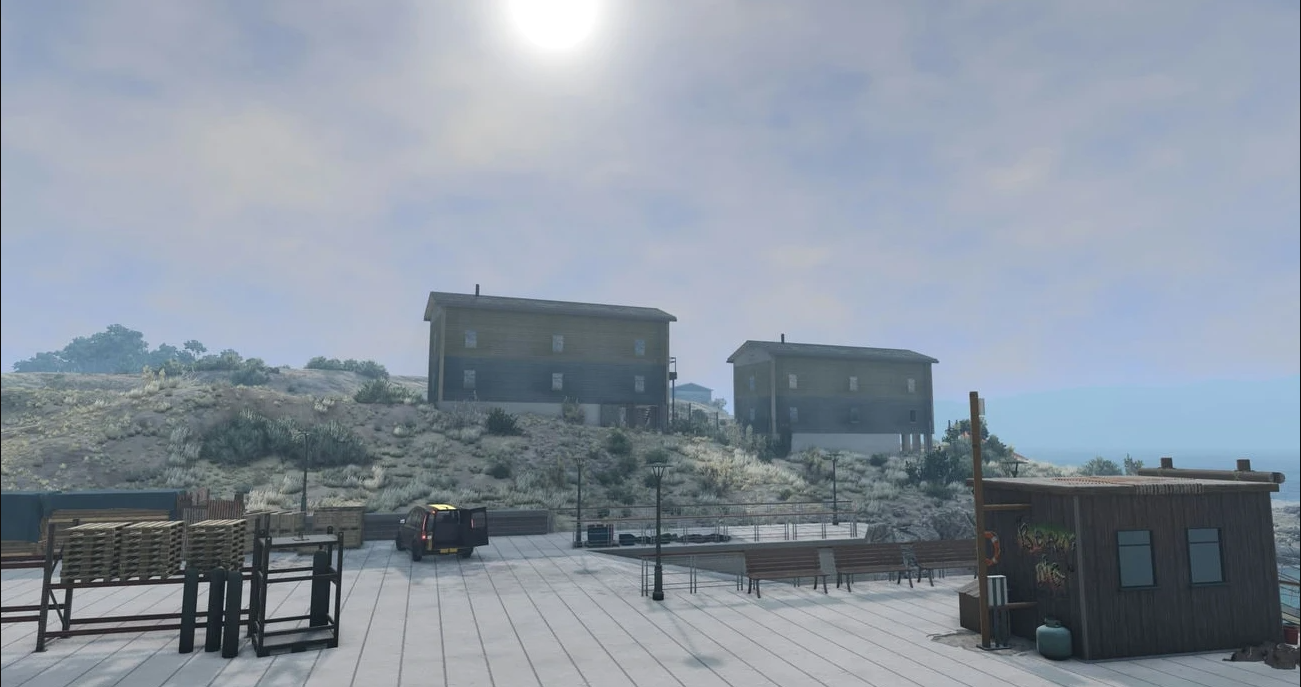
MK's Dynamic Weather (Release) (1.2) for BeamNG.drive (0.38.x)
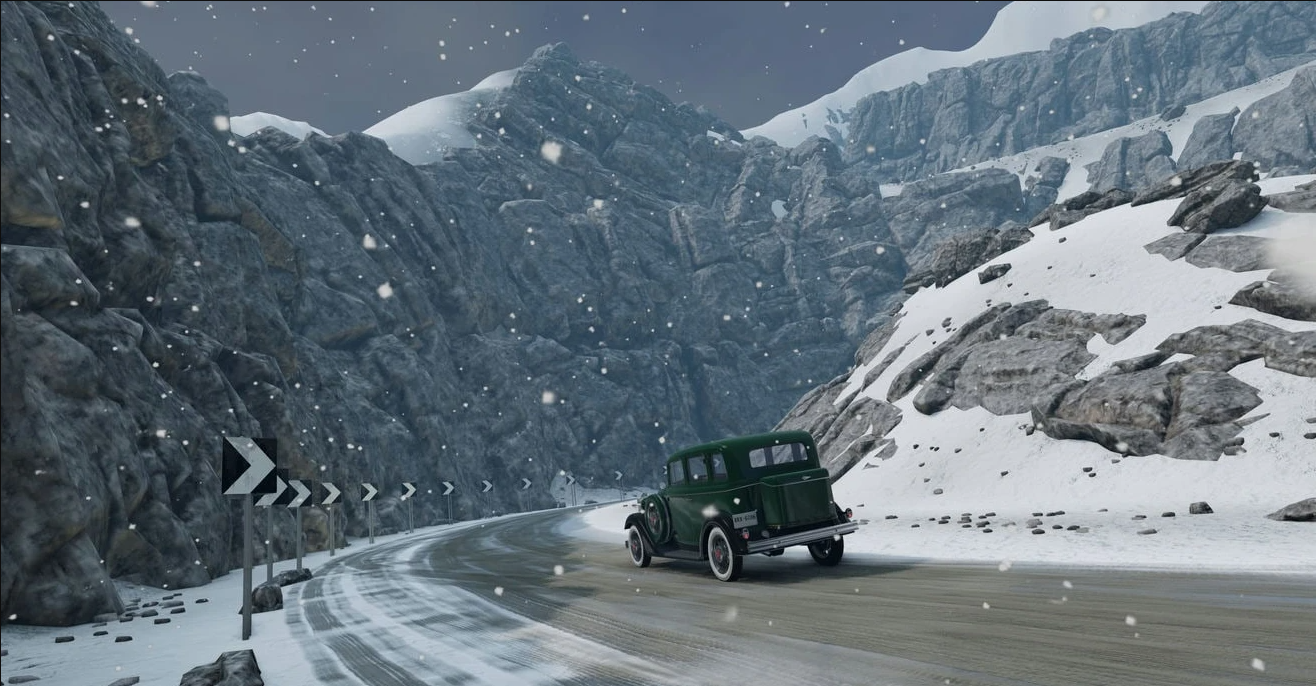
Mod MK's Dynamic Weather (Release) (1.2) for BeamNG.drive (0.38.x)
This Lua script implements dynamic weather in BeamNG!
Visually — not perfect, but considering engine limitations (rain, fog, clouds), it still looks quite good. Currently in beta: incomplete, yet core features are functional.
Current features:
- Weather conditions: Sunny, Cloudy, Light Rain, Rainy, Stormy, Foggy, Foggy Rain
- Dynamic wind affecting vehicles and terrain/forest objects (if supported by the object)
- Wind gusts: occasional, random; frequency and intensity depend on current weather
- Tornadoes: slowly chase the player and interact with physics objects (vehicles, concrete retaining walls, mattresses, etc.); only one active at a time
- Slippery roads during rain/snow (works only on terrain-based roads — not on mesh objects like bridges)
- Dynamic rain, clouds, fog, temperature, and brightness
- Optional UI for controlling weather, wind, tornadoes, and road conditions
- Compatible with Career Mode, missions, and scenarios
Controls:
- Toggle weather: Alt + W
- Open UI: Ctrl + Alt + W
- Spawn tornado: Alt + T
How to use:
Press Alt + W to activate dynamic weather on the current map. To hide wind gust and event notifications, press Ctrl + Alt + W. Hotkeys can be remapped in settings. After activation, a confirmation message appears in the top-right corner. Upon map change, the script auto-unloads to prevent issues — must be re-enabled manually.
Tornadoes are not yet part of automatic weather — only manual spawning or UI activation. Alt + T spawns a tornado near your current vehicle. Random tornado generation is available via UI but is not yet weather-dependent — to be improved in a future update. Only one tornado can be active at a time.
To force a specific weather condition, use the UI (accessible from the main menu: Esc). It also allows adjusting:
- road conditions,
- wind speed,
- tornado activity,
- weather transition intervals,
- rain/snow toggle.
Alternatively, use documented console commands (see discussion thread).
Version 1.2:
- Career Mode
Weather is now disabled by default; can be enabled in settings. Existing user settings remain unchanged after update. - User Interface
Minor UI redesign.
All info markers replaced with tooltips — let me know if you prefer the old style.
Removed an info marker displaying incorrect data. - Miscellaneous
Shadow settings changed — disabled by default.
Added Fast Mode (weather time-lapse).
Added option to disable dynamic road conditions (recommended when using Fast Mode to prevent stuttering).
Adjusted weather probabilities — rain cycles now occur less frequently.
Fixed bug: random tornado spawning did not disable after TornadoStorm event.
Author: MegaKnight