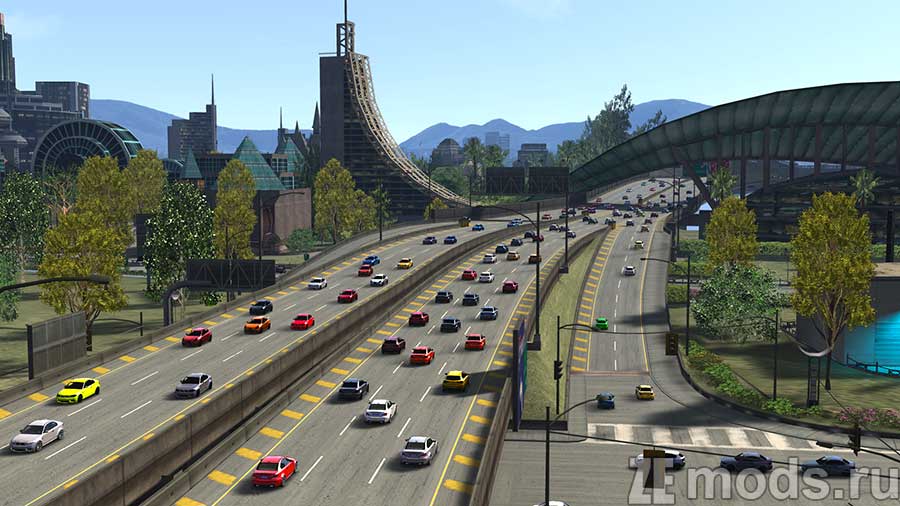
Traffic for the "NFS Underground 2" map in Assetto Corsa
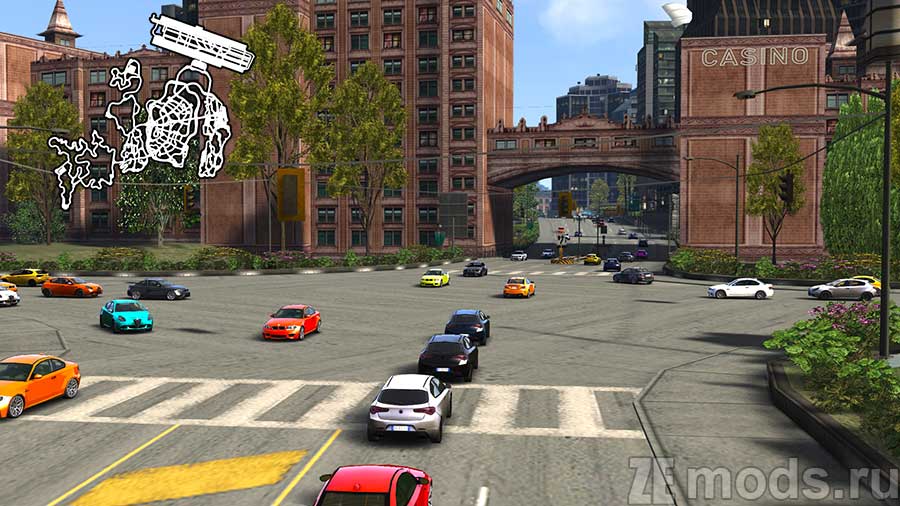
Traffic for the map "NFS Underground 2" in Assetto Corsa.
Preparation
- Install the map "NFS Underground 2"
- Unpack traffic planner to the folder assettocorsa\extension\lua\tools\csp-traffic-tool
Installation
- Unpack the traffic.json and surfaces.ini files to the assettocorsa\content\tracks\nfsu2\nfsu2airport\data folder. You can put the files into another layout that contains the full NFSU2 map
Launch
- Enable "GUI" in CSP settings
- Select the "AIRPORT" layout or the one where you unpacked the files (traffic.json and surfaces.ini)
- Launch the game. In the side menu select "Object Inspector" - "Tools" - "Traffic Planner"
Mod author: krzysiekwar
The minimum length of a comment is 10 characters. Comments are moderated
